Lumina Dental Studio
Sponsored
See how your smile could look before you commit to anything. Consultations are open this week.
Smile design
Veneers planned with the doctor
Smile consultation this week
Book nowWe bring marketing, AI and CRM together to help turn interest into appointments. DigitalFace handles the setup and ongoing support.
Attract → Convert → Manage
Attract
Get people interested
Convert
Help them book
Manage
Keep every lead organized
One team handles the setup and keeps it working.
Meta, Google and TikTok can each play a different role in finding demand and turning attention into a measurable response.
Sample social advertisement and lead form, shown as an illustration.
Sample ad and lead form
Illustrative example only. Final screens, workflows and visual appearance may vary depending on the platform(s) selected and your business configuration.
Reach your audience
Show your services in the markets and languages you serve.
Make the offer clear
Give people one clear reason to get in touch.
Collect their details
Ask what they need and how to reach them.
Keep the inquiry organized
Send the response to your CRM, ready for follow-up.
Next: answer the inquiry.
Your AI chatbot answers approved questions, collects useful details and helps people book. Your team can step in whenever needed.
Receive the inquiry
Bring connected ads, forms, chat and social messages together.
Send a quick reply
Respond outside office hours, too.
Help choose a time
Answer common questions and offer the calendar.
Keep your team involved
Staff can take over, with the conversation and booking history.
Sample conversation between a prospective patient and an automated clinic assistant.
Sample conversation
Illustrative example only. Final screens, workflows and visual appearance may vary depending on the platform(s) selected and your business configuration.
Your CRM keeps contacts, conversations and next steps in one place. See who is new, who wants to book and who needs follow-up.
Sample lead journey showing one inquiry becoming an organized opportunity with a clear next step.
Emily Carter. New patient inquiry. WhatsApp inquiry.
Sample lead journey
Illustrative example only. Final screens, workflows and visual appearance may vary depending on the platform(s) selected and your business configuration.
New inquiry
A new contact appears on the board.
Contacted
Your team can see the first conversation.
Interested
The source and treatment interest stay together.
Appointment requested
See the requested time and what needs confirmation.
Attract, convert and manage. One team handles the connections.
We connect your marketing, messaging, CRM and scheduling tools so your team spends less time moving information.
CRM · Messaging · Advertising · AI · Automation · Scheduling






















Product names and logos are trademarks of their respective owners, shown to indicate compatibility only.
Healthcare, professional services, events and more.
Cosmetic and restorative dental practice specializing in smile design, veneers, implants and international patient care.
What DigitalFace supported
Patient inquiries, intake details and follow-up, connected.
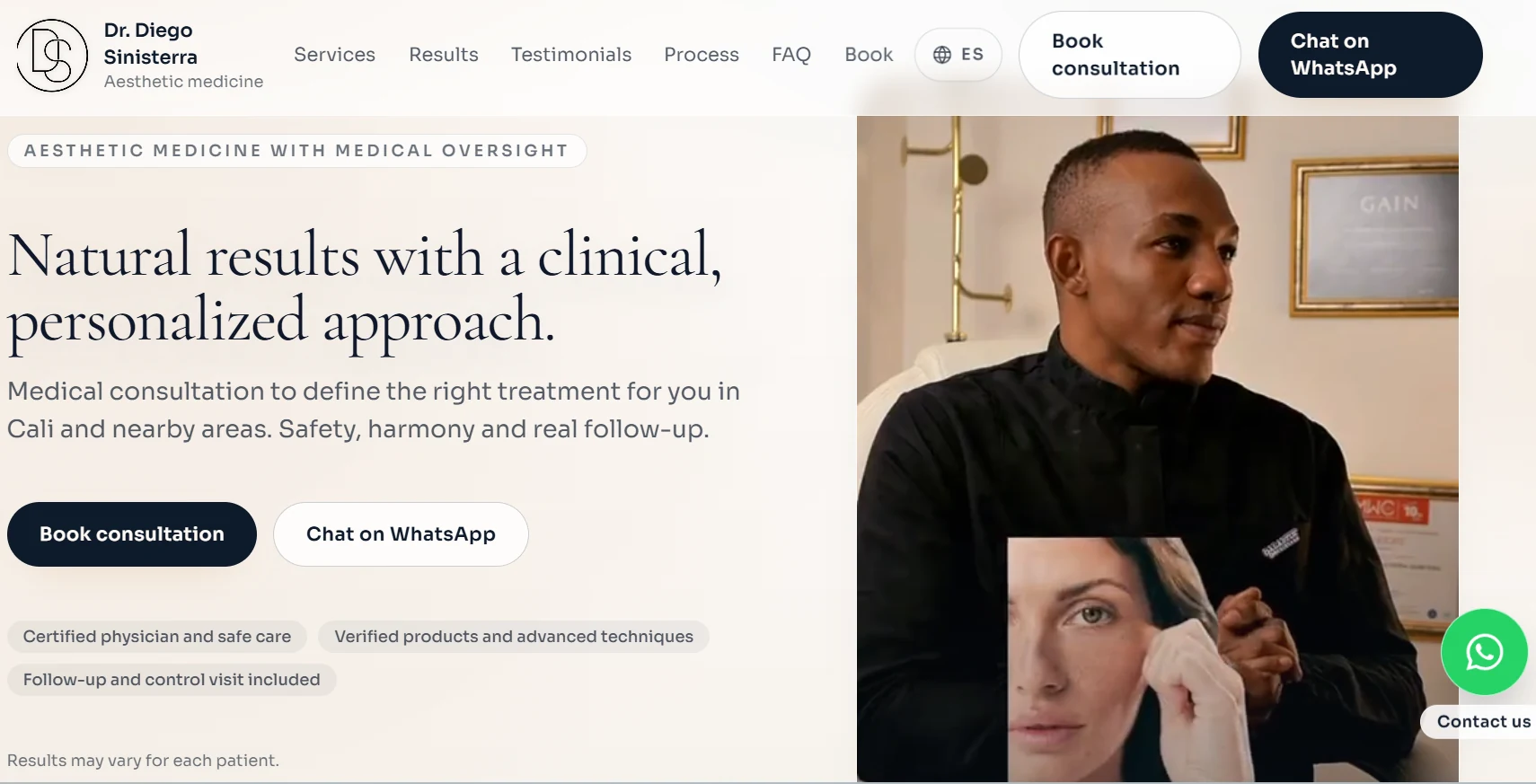
Medical aesthetics practice focused on personalized treatments, natural-looking results and patient follow-up.
What DigitalFace supported
Campaigns and a website connected to appointments and CRM.
Fitness community behind Neon Race, a multi-edition nighttime running event combining sport, entertainment and regional participation.
What DigitalFace supported
Marketing and online sign-ups for a regional running event.
Local fast-food brand known especially for its salchipapas, delivery and casual dining experience. Public listings currently show very strong customer reviews.
What DigitalFace supported
Digital marketing to help a local food business attract customers.
Branding and production company specializing in vehicle wraps, signage, printing and custom visual solutions for businesses.
Established advertising company working across graphic design, photography, printing and commercial visual production.
Motorcycle business specializing in motorcycles, parts, accessories, maintenance and repair services.
Furniture and event setup brand providing decorative rental solutions for social and commercial events.
Web development that helps visitors understand your services and get in touch.
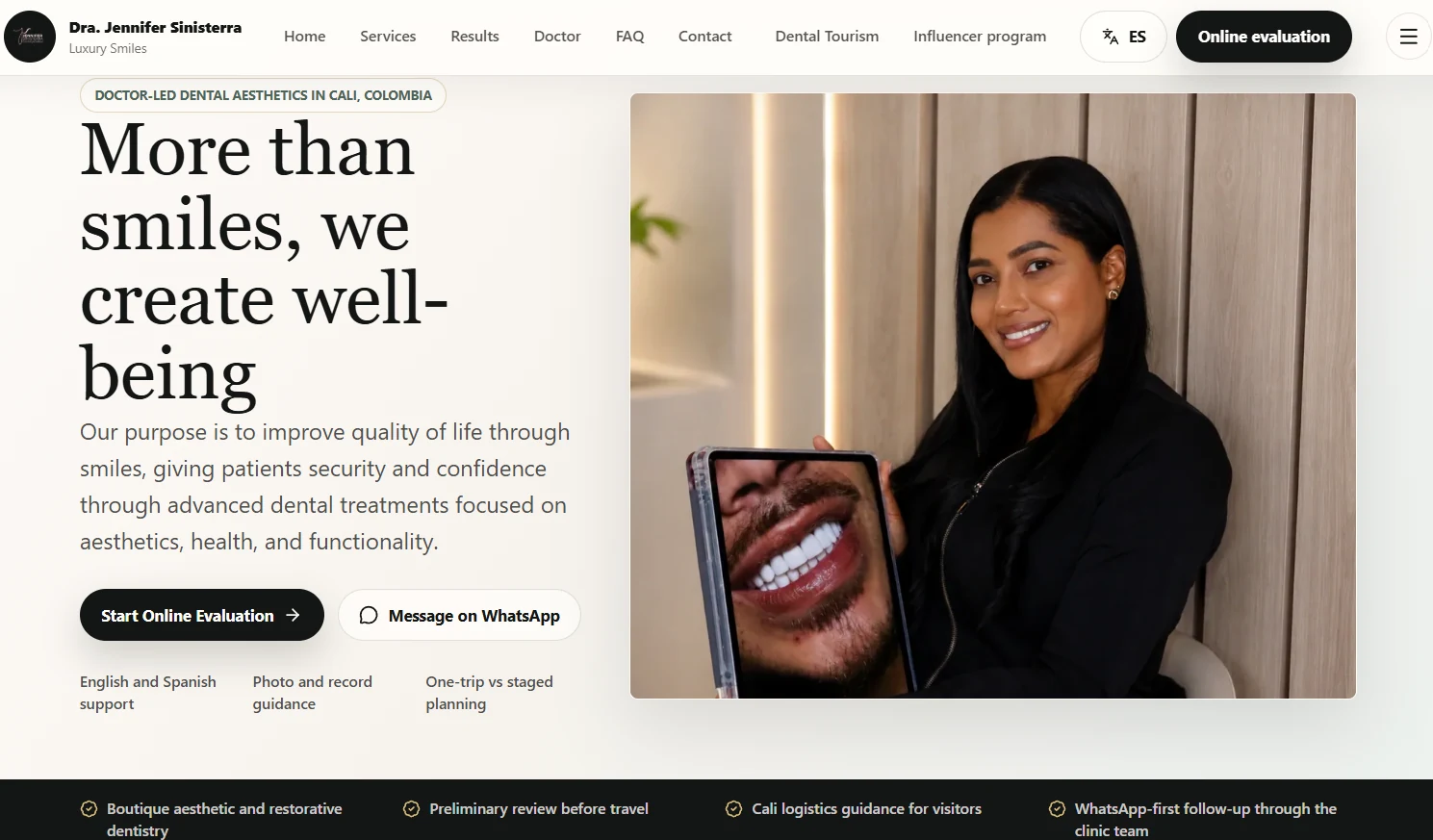
DigitalFace website project
Aesthetic DentistryCali, Colombia
A dental website that presents treatments and invites local and international patient inquiries.
Visit live website(Opens in a new tab)Project 1 of 2
Choose the complete system or just the services you need. We’ll help you decide on a call.
Find My Next StepShare your business goals and we’ll help you choose the next step.